
Your images stay local
Processing happens on your device. Product photos are not sent to our servers, added to an account or used for training.
No images in the queue yet.
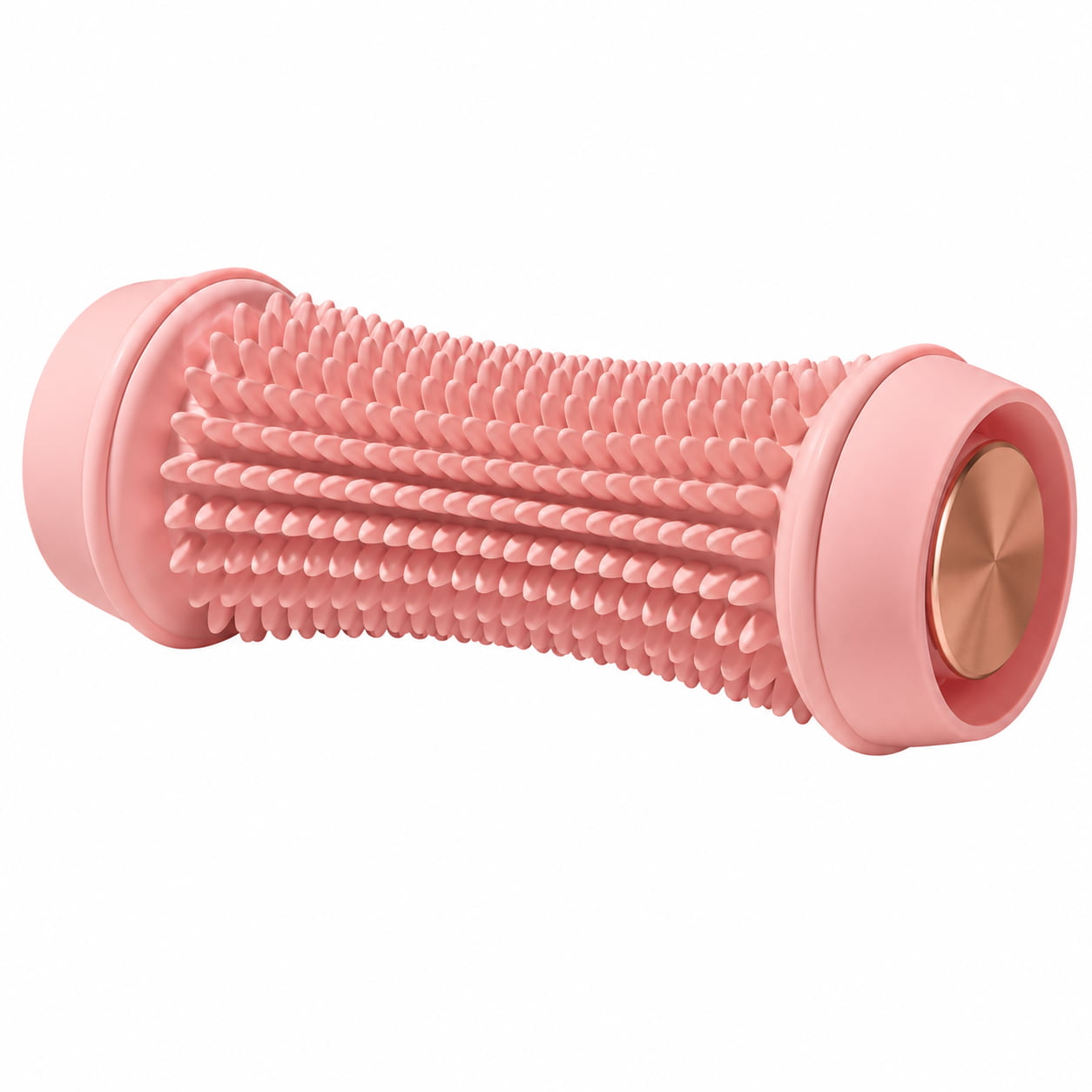
A detailed product photo was converted to a balanced JPEG working copy and checked at the same displayed size as its source. Drag the divider to compare the exact files.
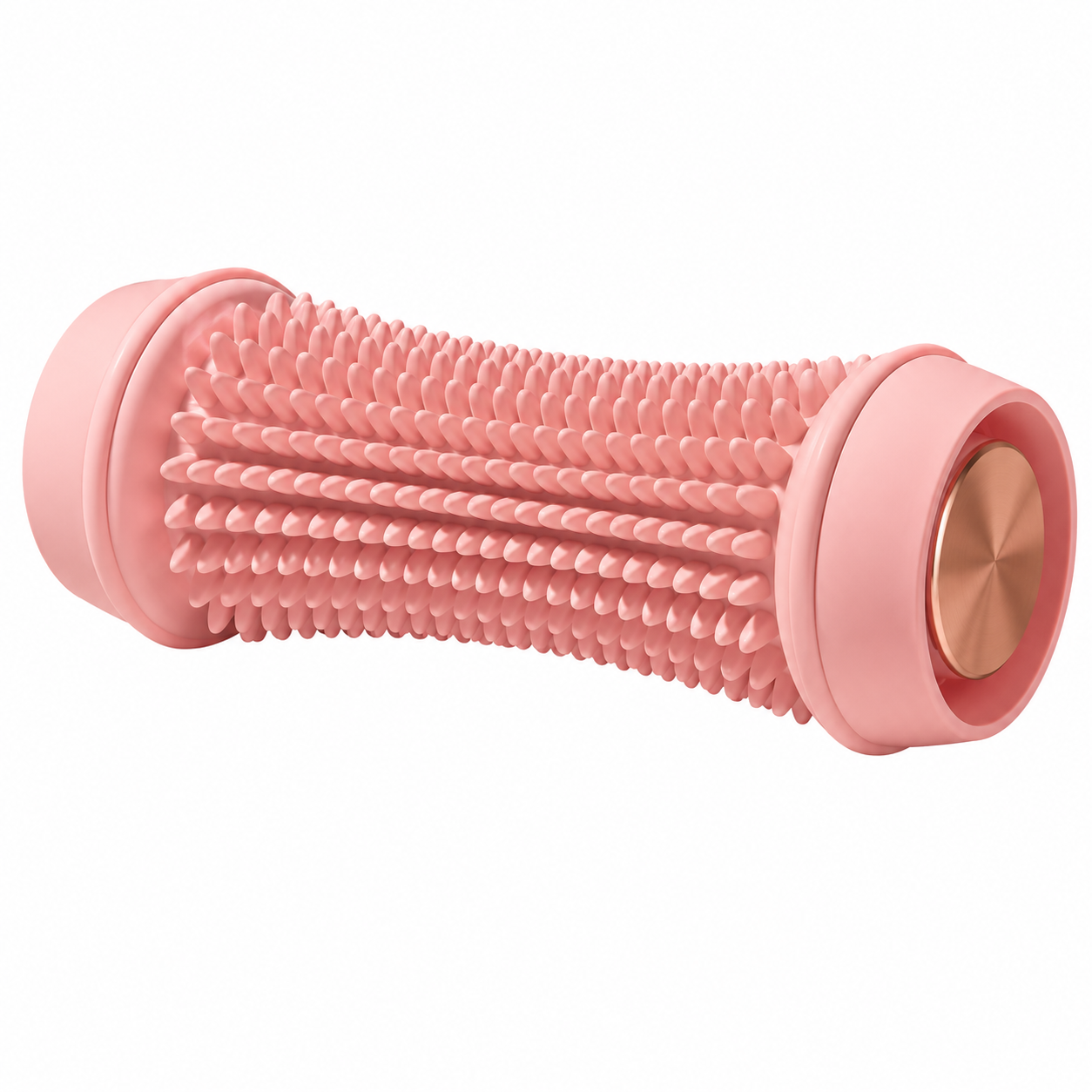
Method: the supplied PNG was processed once with the exact displayed SellerImg preset. Because its 1254 px longest edge is below the preset limit, it was not resized or enlarged. Format, dimensions and byte sizes come from the actual files; the slider renders both images at the same size.
Test date · August 4, 2026Seller Image Studio is a browser-based batch image converter for online shops. It resizes and converts product photos to WebP, AVIF or JPEG, with practical starting presets for websites, WooCommerce, Shopify, Amazon and TikTok Shop.
No account, credit card, daily conversion credits or ad-watching step is required. Add your images, choose the result you need and download the finished files.
Processing happens on your device. Product photos are not sent to our servers, added to an account or used for training.
Convert individual files or a complete folder, then download the results together instead of repeating the same task image by image.
The converter creates new files and never replaces your source images. You remain in control of every original.
Storefront presets give you a sensible format, quality and size to start from. You can still adjust every setting before processing.
Image tools should help you finish a listing—not interrupt the work with pop-ups, trial limits or a subscription screen.
Free to use · No image uploads · No forced sign-upChoose a starting point for your platform. You can still change the format, quality and dimensions before processing.
The Shopify preset starts with balanced JPEG and a 2048 px longest-edge limit. Shopify recommends uploading the best-quality source image available and automatically chooses modern delivery formats for the shopper's browser.
All processing happens in the browser, which is useful when working with unreleased products, client photography or a large catalog export.
When the selected folder has read and write permission, individual results and the ZIP can be saved back to that folder. Without folder write permission, the ZIP is downloaded to the browser's default download location.
Use JPEG for photographic product source files and avoid aggressive pre-compression before Shopify creates storefront variants.
The longest edge can be reduced without changing the original aspect ratio, and smaller images are never enlarged.
Apply the same export settings to as many as 100 supported product photos and monitor each file in the queue.
Use the preset as a practical starting point, then verify the current requirements of your Shopify theme, apps and sales channels.
A useful Shopify image workflow is consistent, reversible and easy to repeat across the next product collection.
JPEG preset · 2048 px start · Original files unchangedYour images are not uploaded to our servers, stored in an account or used for training. Refresh the page and the current list is cleared.
Shopify describes JPEG as ideal for product photography and automatically chooses WebP or AVIF when a shopper's browser supports it. The preset therefore creates a balanced JPEG upload copy instead of locking the upload to a delivery format. Its 2048 px longest-edge limit is a practical starting point, not a universal Shopify requirement; keep a larger source when your theme, zoom or sales channel needs it.
No. It preserves the original aspect ratio and only reduces the longest edge when resizing is enabled.
No. Themes, apps and sales channels can have different requirements, so confirm their current rules before publishing.
Yes. Import a supported folder and process it with one preset. With folder write permission, individual results and the ZIP can be saved to that folder; without permission, the ZIP uses the browser's default download location.
Shopify recommends uploading a high-quality source image and automatically serves WebP or AVIF when supported. For photographic product images, this preset uses balanced JPEG with a 2048 px longest-edge limit.
WebP is the practical default for most storefronts; AVIF usually makes smaller files but needs platform or server support; JPEG has the widest ecommerce compatibility but usually produces larger files. Smallest prioritizes file size, Balanced is the recommended starting point, and High preserves more detail. The longest edge accepts any whole number from 32 to 15,000 px, preserves aspect ratio and never enlarges smaller images. Leave it empty to keep the original dimensions. Values above 2,048 px are allowed, but can use substantially more memory and create larger files.
Turning oversized camera exports into upload-ready working copies? Start with balanced JPEG with a 2048 px longest-edge limit, process the collection together, and let Shopify choose WebP or AVIF for storefront delivery. The tool does not crop or enlarge smaller images.